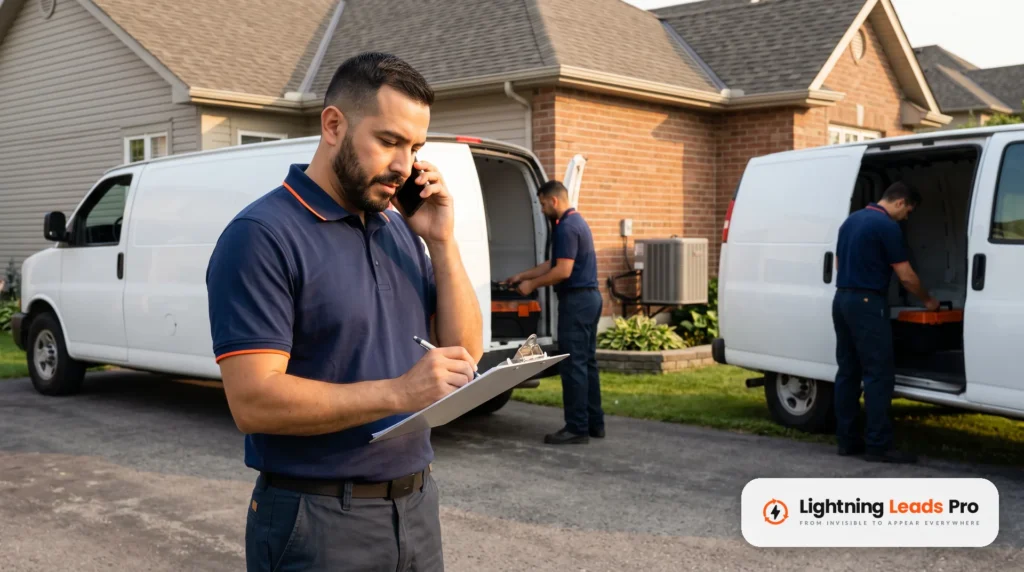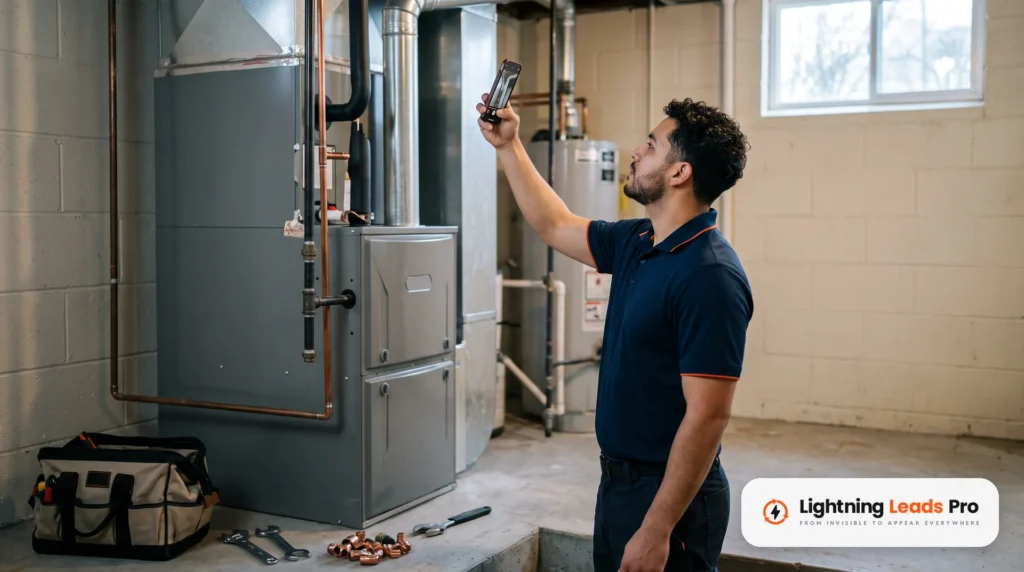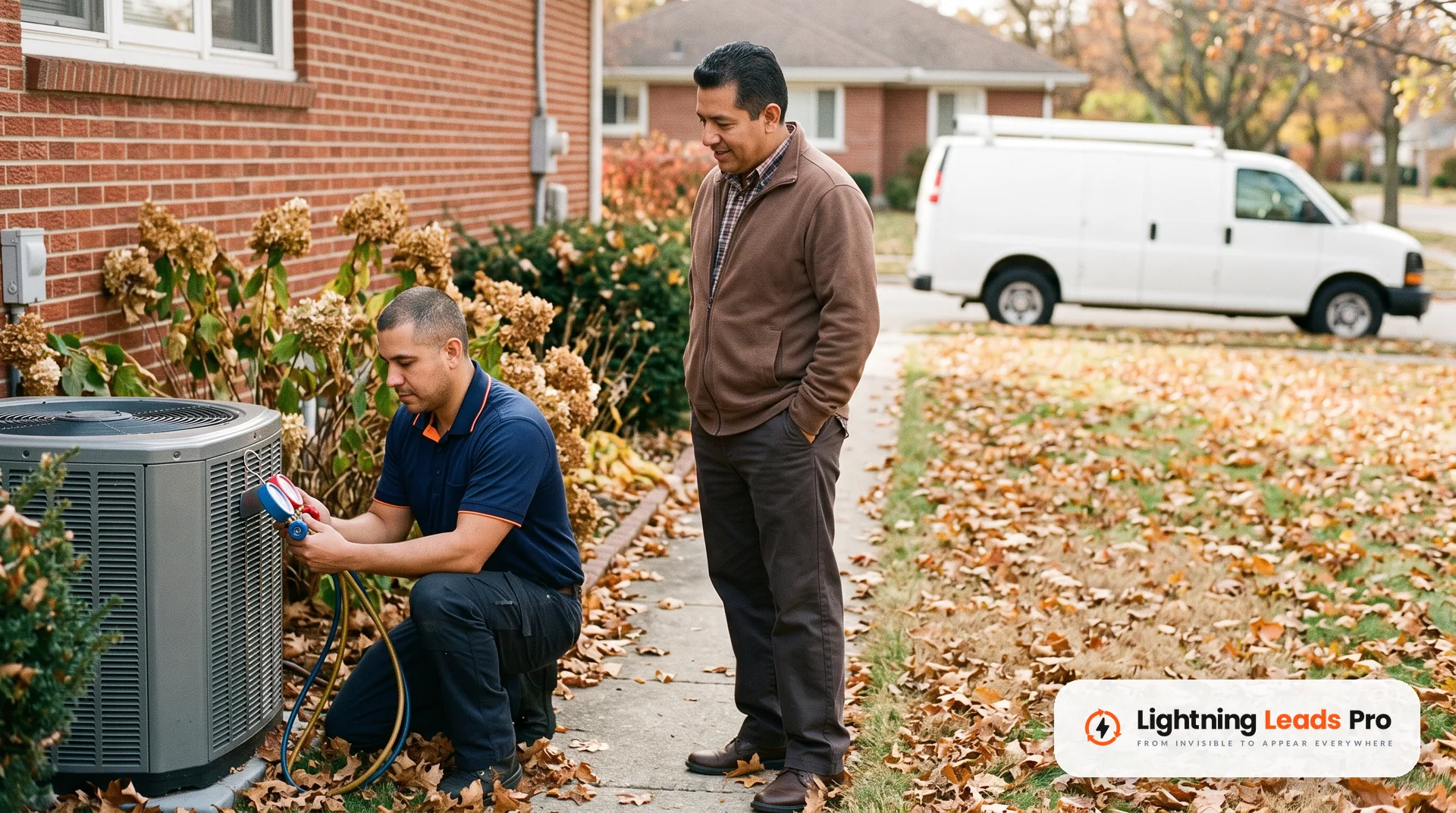
An HVAC landing page is one page built for one ad or one campaign. It has one job: turn the click into a call or a booked visit. Your homepage tries to do ten jobs at once, so it often does none of them well.
The short version: give each service its own page. Match the headline to the ad, and put the phone number up top. Add proof a homeowner can check, name your service area, and keep the page fast on a phone. Then track every call and form, and test one change at a time.
This guide walks through each step for a seasonal push. Think furnace repair this winter or heat pump installs in spring.
What an HVAC landing page is, and when you need one
A landing page is where people arrive after they click an ad, a post or an email. A campaign landing page usually has no full menu and no blog links. Everything on it points to one action.
You need one when you pay for clicks. That includes Google Ads, Facebook and Instagram ads, mailers with a web address, and seasonal email offers. If someone clicks an ad for furnace repair and lands on your homepage, they have to hunt. Some will give up.
If your whole site gets visits but few calls, that is a different problem. Our post on why an HVAC website gets traffic but no calls covers the full site check. This guide is narrower. It is about one page for one campaign.
Step 1: Build one HVAC landing page per service and offer
Give each service its own page. Furnace repair gets one page. Heat pump installation gets another. A fall tune-up offer gets a third.
Why split them? The person searching for a no-heat repair is cold and in a hurry. The person comparing heat pumps is planning a big purchase. One page cannot speak to both.
Google’s own advice points the same way. Its Quality Score help page says to give people what they are looking for. If someone clicks an ad for a product, the page they reach should feature that product.
Keep each page focused on these things:
- One service, such as furnace repair or heat pump installation.
- One main action, usually a call, with a short form as the backup.
- One offer, only if you really have one. Never invent a deadline or a discount.
Step 2: Match the headline to the ad
The headline is the first thing a visitor reads. It should repeat what the ad promised, in plain words. If the ad says “Furnace not heating? Same-day repair,” the headline should say the same thing.
Google calls this keeping your message consistent. The same Quality Score help page says the page should deliver on the ad’s offer or call to action. Google also says the search term does not need to appear word for word. Focus on what the person wants.
A simple formula works well for HVAC:
- Service plus problem: “Furnace repair when your heat stops working.”
- Service plus timing: “Heat pump installs, scheduled around your week.”
- A short line under it that answers “why you”: licensed techs, upfront quotes, or real reviews.
Only promise what your team can deliver. If you cannot do same-day service in January, do not say it.
Step 3: Put the phone number and a short form up top
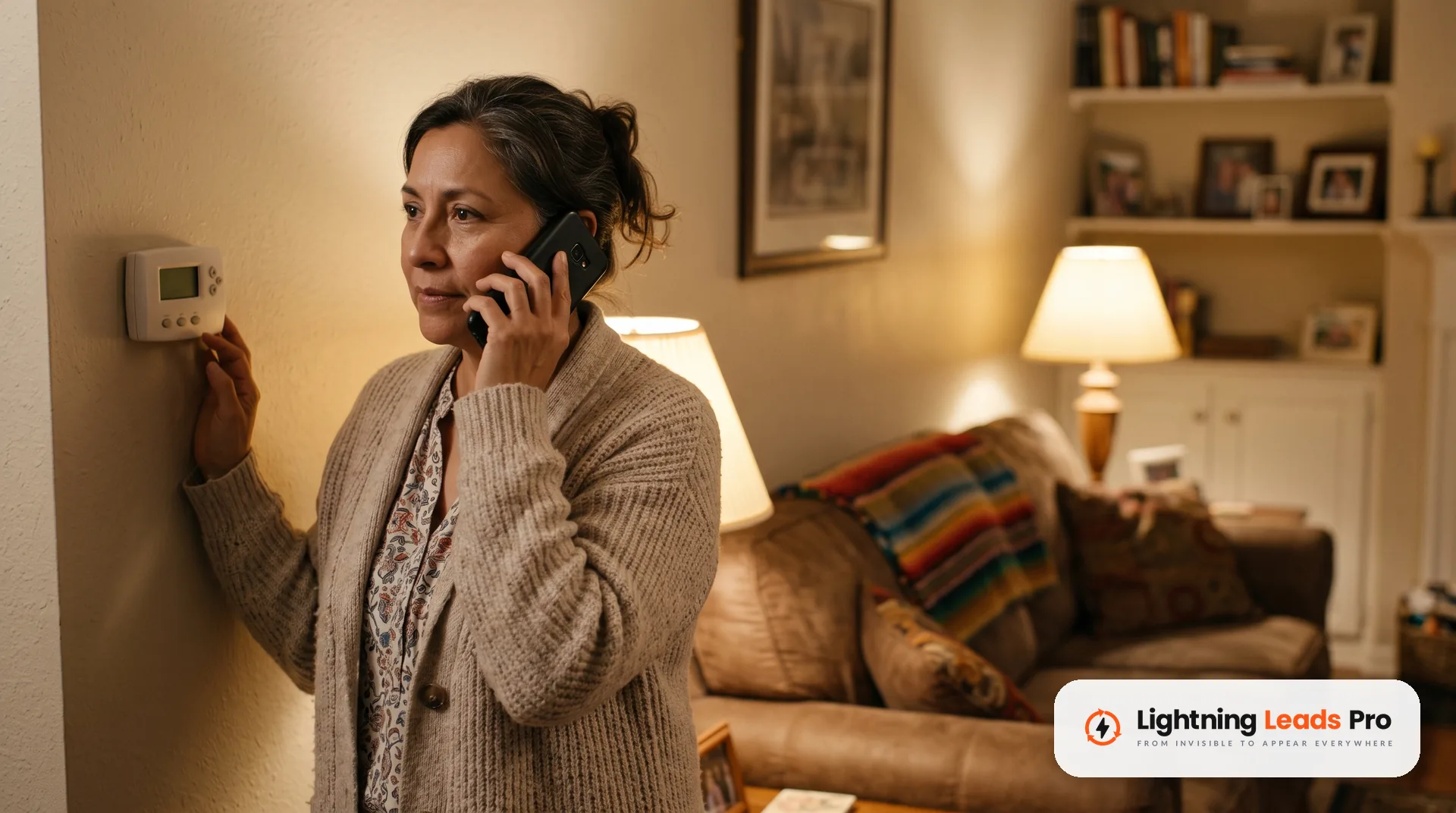
“Above the fold” means the part of the page people see before they scroll. On a phone, that space is small. Put the two ways to reach you there.
First, the phone number as a tap-to-call button. A homeowner with no heat wants to talk to a person. Make the button large and easy to tap with a thumb.
Second, a short form for people who cannot call right now. Ask only for what you need to call them back:
- Name
- Phone number
- What is going on, as a short drop-down or one line of text
Skip the address, email and long questions for now. Your office can get those on the call. A form only works if someone answers it fast, so set up an instant text or email reply. Our AI automation service can send that first reply for you, even at night.
Step 4: Show proof a homeowner can check
People are letting a stranger into their home. Give them reasons to trust you, close to the call button.
- Your state license number, if your state licenses HVAC work. Check your state board’s rules for what ads must show.
- Real reviews, copied word for word, with the reviewer’s first name and town if they agree.
- Your star rating and review count, with a link to your Google Business Profile so people can check it.
- Photos of your own techs, trucks and jobs. Skip stock photos of models.
- Brands you are trained or certified on, only if the certificate is current.
Never write, buy or edit reviews. The FTC’s rule on consumer reviews and testimonials took effect on October 21, 2024. It bans fake reviews and fake testimonials, including in your own ads. Real words from real customers are the only proof worth showing.
Step 5: Name the area you serve
A homeowner wants to know one thing fast: do you come to my house? Answer it on the page.
List the cities or counties your trucks really cover, in a short line or a simple list. Match it to the area your ads target, so nobody clicks from a town you do not serve. Running separate ads for separate areas? Point each one to a version of the page that names that area.
Keep it honest. Do not list towns just to look bigger. A call from outside your area costs you a click and wastes a dispatcher’s time.
Step 6: Keep the page simple and fast on a phone
Assume the visitor is on a phone, maybe standing next to a cold furnace. Build for a phone first, then check it on a computer.
- Remove the full site menu so people do not wander off.
- Use one column, short paragraphs and large text.
- Keep the call button visible as people scroll.
- Use a few photos, sized for the web, not huge camera files.
- Skip pop-ups that cover the phone number.
The same Quality Score help page says speed can be the difference between someone leaving or buying. Test your page with PageSpeed Insights. It reports on mobile and desktop and suggests fixes. It rates Largest Contentful Paint as good at 2.5 seconds or less. That measures how fast the main content shows up.
If the page is slow, start with the largest images. Large photos and extra scripts are good places to check.
Step 7: Track every call and form
If you do not track results, you are guessing. You need to know which ad and which page brought each call.
For Google Ads, use website call conversion tracking. Google swaps your number on the page for a Google forwarding number, at no cost to you. A call counts as a conversion only when it lasts longer than a minimum you set. You will need to add a tag and a small snippet to the page.
For forms, count each submission. In Google Analytics, you can mark an event as a key event, such as a form submit. For Facebook and Instagram ads, set up the Meta Pixel, as our HVAC Facebook ads guide explains.
Then close the loop in your office. Each week, check how many calls and forms turned into booked jobs. A page that brings ten calls and two jobs beats one that brings twenty calls and none.
Step 8: Test one change at a time
Once the page brings in steady calls, try to improve it. Change one thing, wait for enough calls to compare, then decide. If you change three things at once, you will not know which one helped.
Good first tests for an HVAC landing page:
- The headline wording.
- The main photo: a tech at work versus your truck.
- Where the reviews sit on the page.
- A form with three fields versus four.
Google Ads has a tool for this. A custom experiment shares a campaign’s traffic and budget between your original and a changed version. You then compare how each one performs over time. Ask whoever runs your ads if a page test fits that setup.
Google also suggests using conversion rate as a stand-in for landing page experience. It does not change the status Google shows you, but it tells you which page earns more calls.
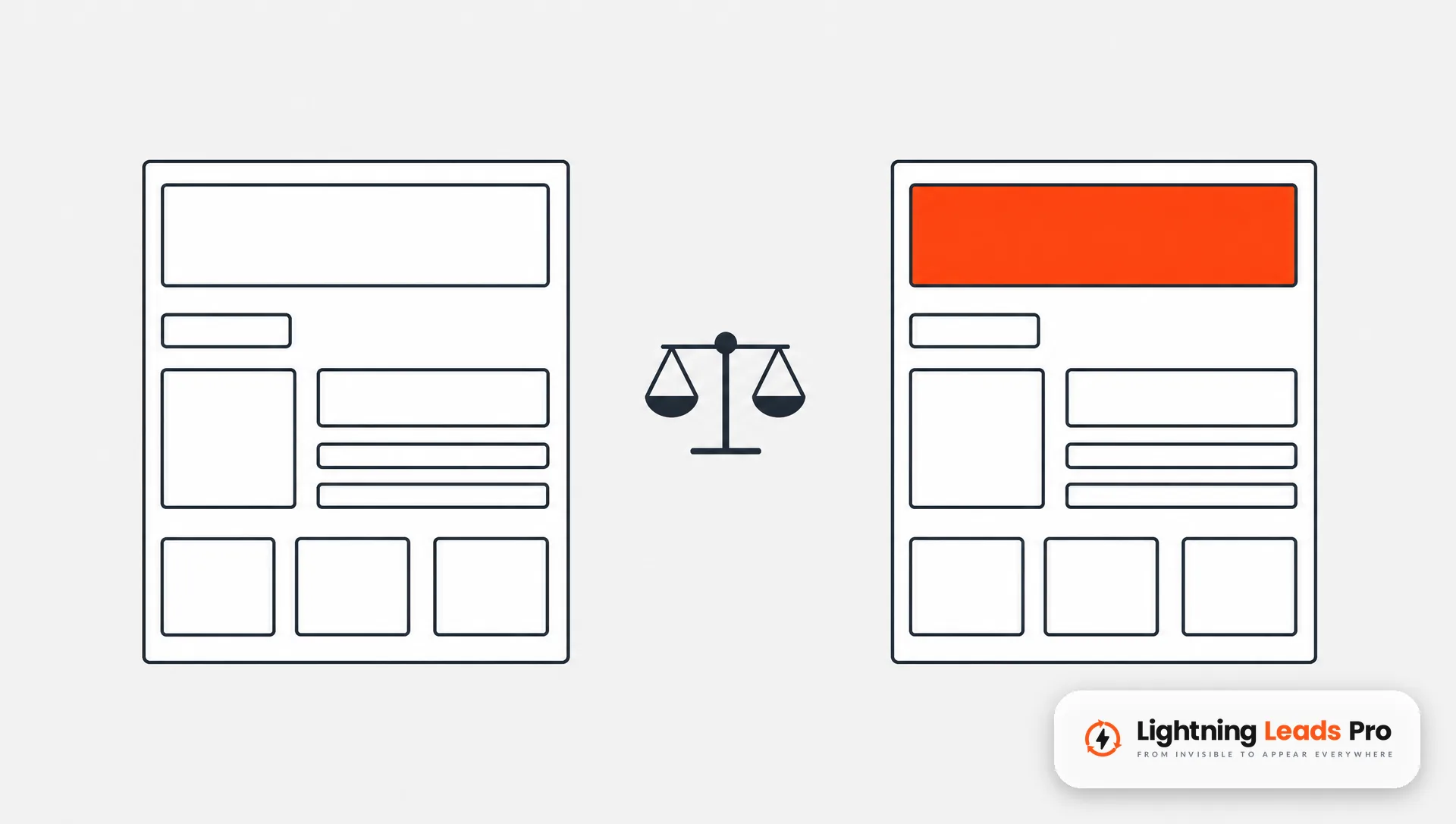
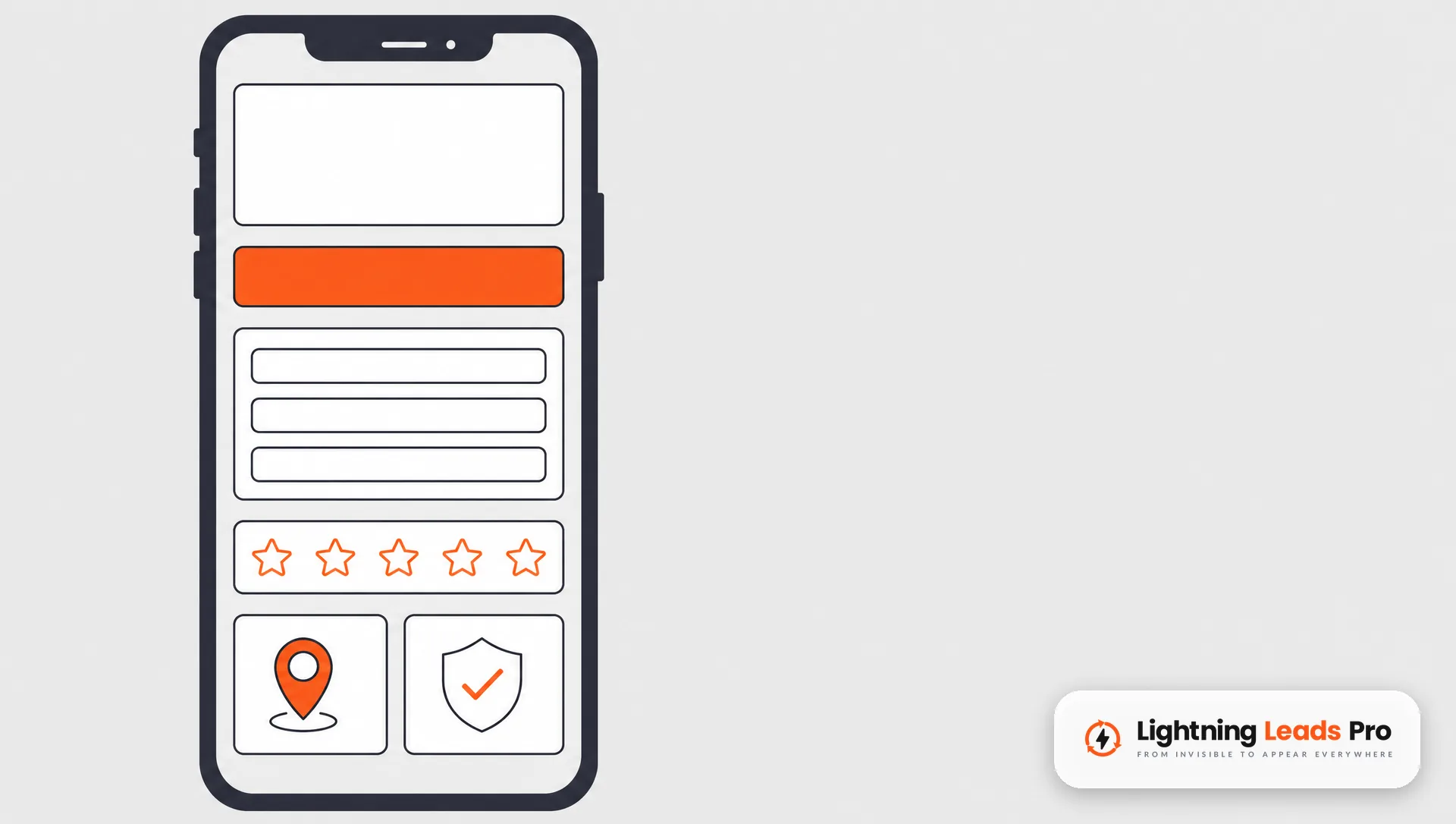
A simple HVAC landing page layout, top to bottom
Here is a plain layout you can hand to whoever builds your pages:
- Headline that repeats the ad, with one short line under it.
- Tap-to-call button and a three-field form.
- Star rating, review count and a link to your Google profile.
- Three to five short bullets on what the visit includes.
- Two or three real reviews, word for word.
- Photos of your own team and trucks.
- Your license number and service area.
- A short FAQ that answers price-shopping and timing questions honestly.
- The call button again at the bottom.
Google sums up a good landing page in its definition of landing page experience. It should be clear and useful, and related to what people searched for. That matches what homeowners want too.
Want help building or fixing these pages? Our website design team builds campaign pages. Our paid ads service ties them to the right ads.
Frequently asked questions
What should an HVAC landing page include?
A headline that matches the ad, a tap-to-call button and a short form near the top. Add real reviews, your license number, your service area and photos of your own team. Leave out the full menu and anything that pulls people away.
Should my Google Ads go to my homepage or a landing page?
For a specific service or offer, send the click to a page about that service. Google’s own advice is to give people what they searched for.
Do I need a form if most people call?
Yes, keep a short one. Some people cannot talk at work or late at night. A form catches them, as long as someone replies fast.
How many landing pages does an HVAC company need?
Start with one page for each service you advertise this season. For winter, that may be furnace repair and a tune-up offer. Add more only when you add new campaigns.
How do I know if my landing page is working?
Track calls and form submissions from the page, then check how many became booked jobs. Compare pages by booked jobs, not just clicks.
Get a second look at your landing page
A good HVAC landing page is not fancy. It is focused, honest, fast and easy to call from. Build one page per service, match the ad, show real proof, and track what happens.
Want to know where your pages lose calls? Book a Free Local Lead Growth Session. We will look at how you show up on Google and at your website and pages. We will also check how fast your team follows up.