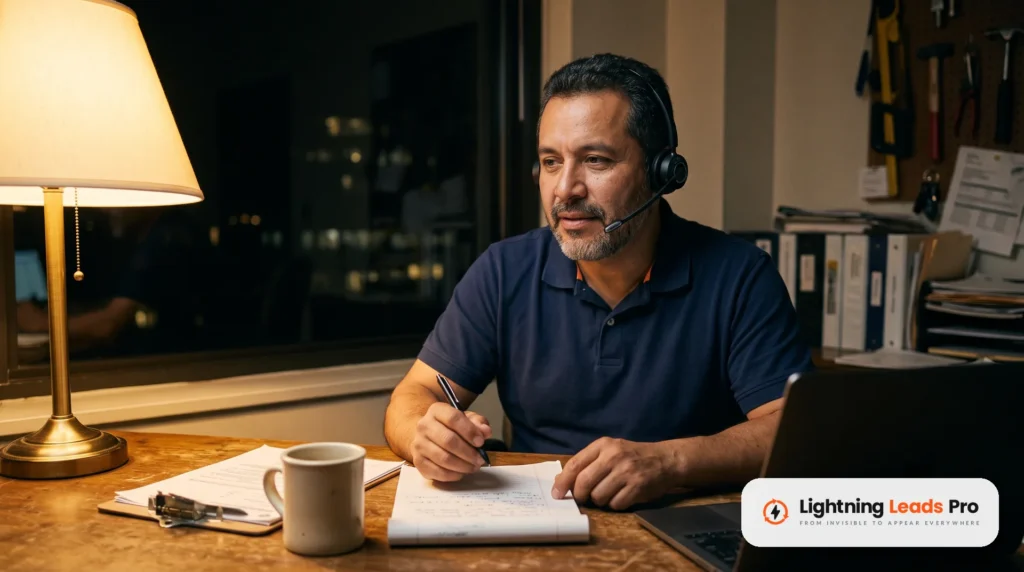
HVAC Facebook ads can bring in calls during heating season. They can also burn cash on likes that never turn into jobs. Much of the difference comes down to setup.
This guide walks you through eight steps, from picking a goal to reading your numbers each week. Most of it comes from Meta’s own Business Help Center. We link the key Meta pages so you can check them. Meta changes its tools often, so trust the help pages if your screen looks different.
If you would rather hand this off, our paid ads team runs Meta and Google campaigns for HVAC companies.
Step 1: Pick one goal for your HVAC Facebook ads
Meta Ads Manager asks for an objective before anything else. Meta lists six objectives: Awareness, Traffic, Engagement, Leads, App promotion and Sales. For an HVAC company, Leads is the one that fits. Meta describes it as a way to collect leads through messages, phone calls or sign-ups.
Engagement campaigns bring likes and comments. Those feel nice, but they do not put a truck in a driveway. Pick the result you can count on your board: a phone call or a booked visit.
Inside the Leads objective, you also pick a performance goal. Maximize number of leads aims for volume. Maximize number of qualified leads aims for people more likely to convert after they share their info. Meta notes that since April 2026, new campaigns need a Conversions API connection to use the qualified leads goal. Existing campaigns followed in August 2026. Step 7 covers that.
Step 2: Target the area your trucks actually cover
Draw your ad area around the places your techs can reach in a reasonable drive. In Ads Manager, this lives at the ad set level, under Audience, then Locations. Meta lets you enter locations, browse them or set a radius.
Keep the radius tight enough that you would gladly run a no-heat call at its edge. A lead two counties away costs the same as one down the street. If you serve several towns, add each one instead of drawing one huge circle.
Expect a little spill. Meta says its location targeting is not fully accurate, so a few leads may come from outside your area. Ask for the ZIP code on your form so your office can spot those fast.
One more setting to check. Meta says it will not reach past your chosen locations. The exception is the option to reach more people likely to respond. Leave that off if out-of-area leads waste your time.
Step 3: Build an offer that fits the season
A good ad answers one question: why call you now? In the fall, the honest answer is heat. People want their furnace or heat pump checked before the first cold night. When the heat quits, they want someone fast.
Here are offers that work without inventing a discount:
- A furnace or heat pump tune-up, booked before the cold sets in.
- Same-day or next-day no-heat repair, if your schedule can truly handle it.
- A safety check for older heating systems.
- Your maintenance plan, if you have one, with a plain list of what it includes.
Only advertise a price, coupon or discount you really offer. Write it in plain words and repeat the same terms on your form or landing page. If you run no promo, speed and clear service are the offer.
If an ad leads with financing, check Meta’s Special Ad Category rules first. Meta requires a special category for financial products and services ads shown in the US. That category limits some targeting, and ads can be rejected when the right category is missing.
Step 4: Use real photos of your crew and your work
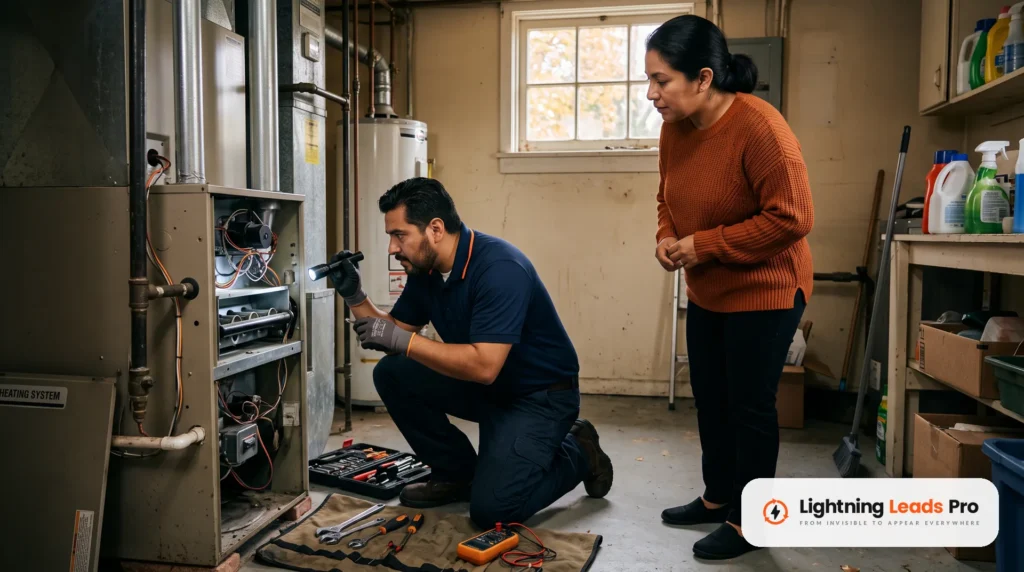
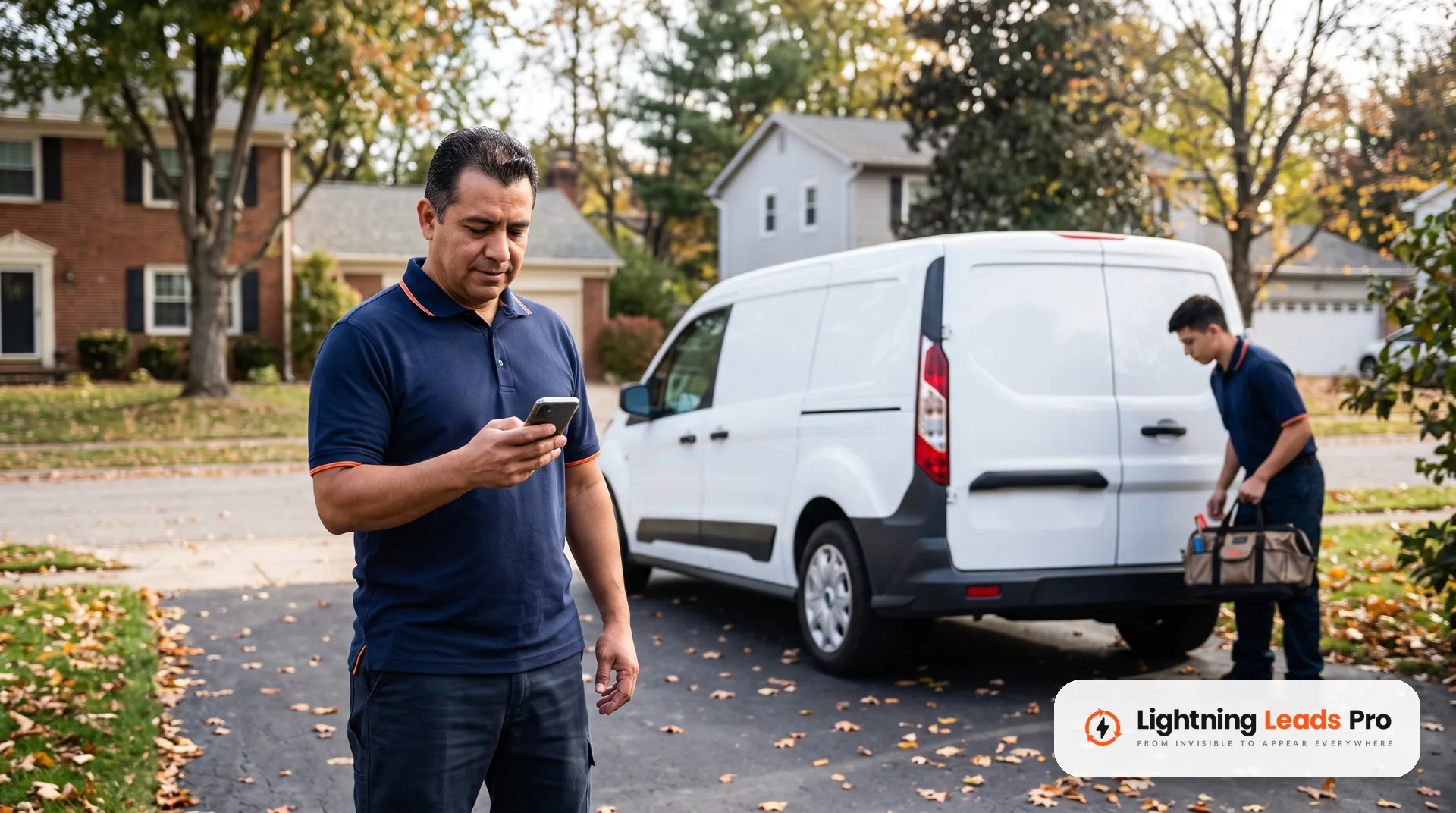
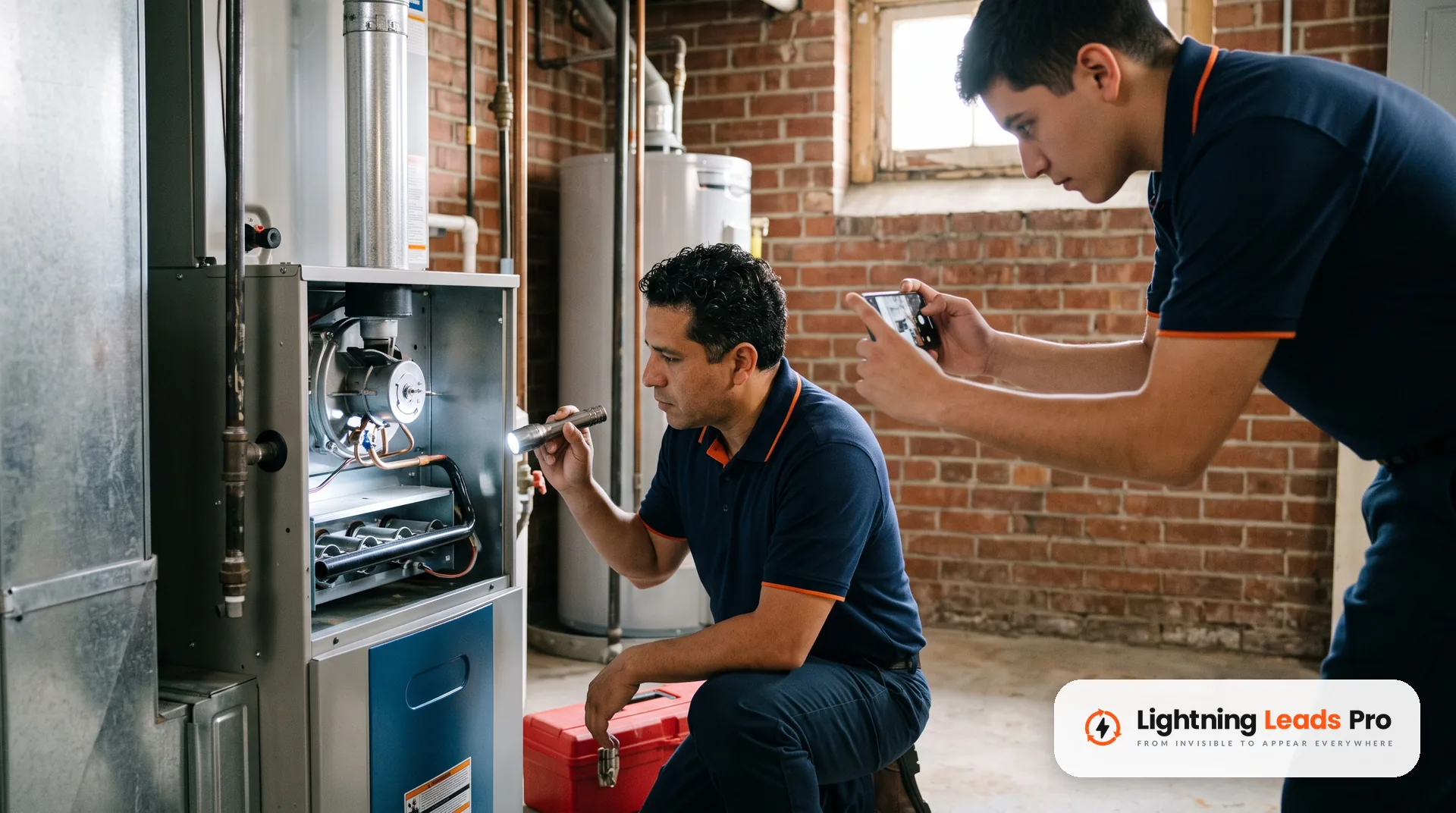
Stock photos of smiling models look like every other ad in the feed. Real photos look like your company. Shoot your techs in uniform at a furnace, your van in a driveway, or a clean finished install.
Meta’s best practices for lead ads say to use an engaging image or video with a clear call to action. They also say your ad should make clear why someone should fill out the form. A real tech plus a plain offer does both.
- Use a phone camera in daylight and hold it steady.
- Get your tech’s OK before you post their face.
- Keep customer house numbers and license plates out of the shot.
- A short phone video of a tech explaining a tune-up works well too.
- Start with two or three ads, not ten. Meta’s learning phase guide says the system learns less about each ad when you run many.
Swap in fresh photos every few weeks.
Step 5: Choose instant forms, calls or a landing page
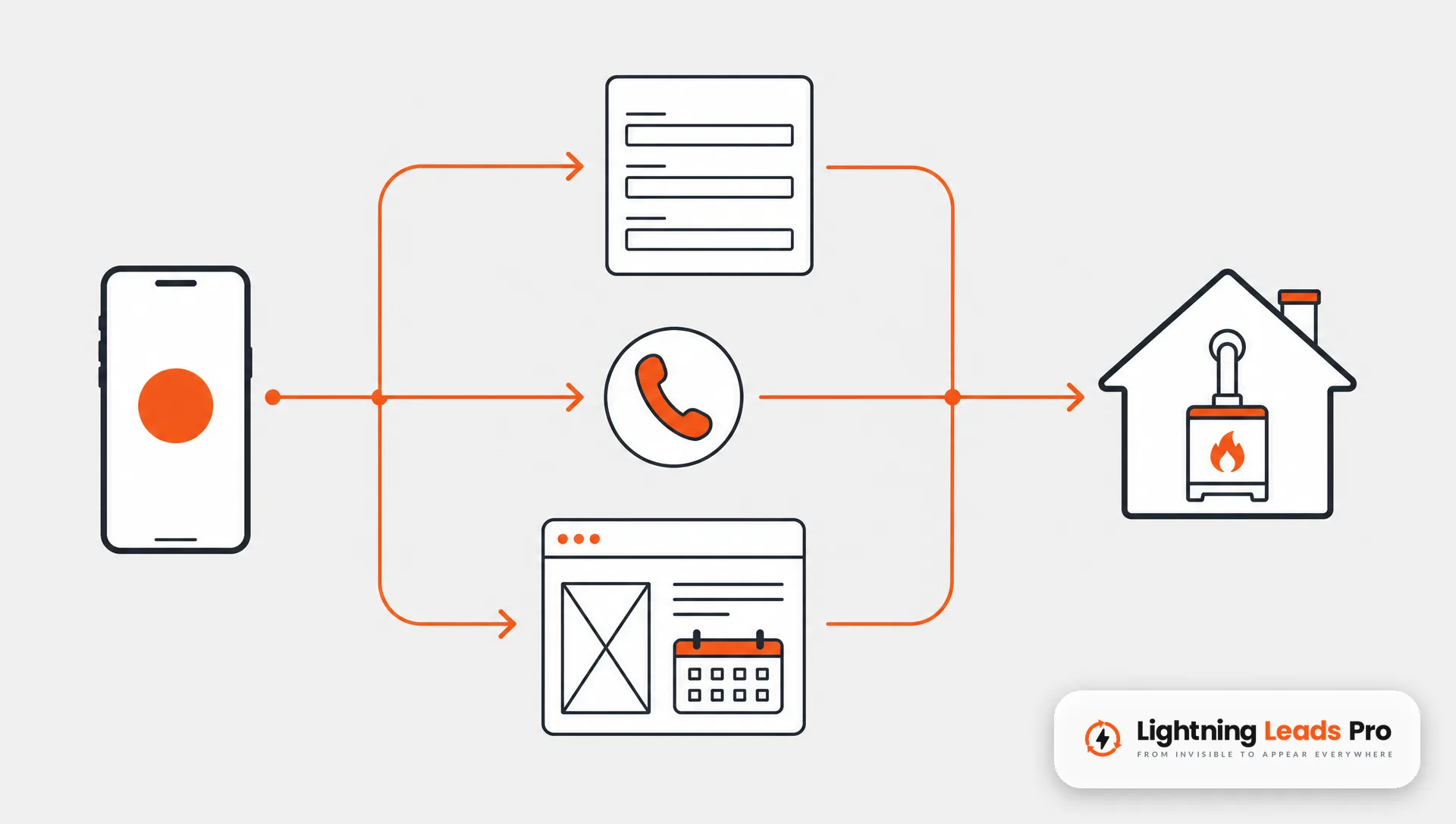
You have three main ways to collect the lead. Each one fits a different kind of shop.
Instant forms
An instant form opens right inside Facebook or Instagram, often with the person’s details filled in. Meta offers three form types. More volume is the default and is built for quick mobile sign-ups. Higher intent adds a review screen so people confirm their info before they send it.
For HVAC, higher intent is often the better start. Meta says it makes sense when you follow up on every lead. Keep the form short: name, phone, ZIP code and one multiple choice question, such as the type of problem.
Call ads
Call ads let people tap to call you straight from the ad. Meta’s call ads page lays out the setup: Leads objective, then Calls as the conversion location. These ads run on mobile, and Ads Manager lets you schedule them for the hours someone answers. Meta suggests pairing them with a form or message campaign after hours. Meta says it does not deliver ads outside your schedule. A few people may still see one a bit later.
A landing page on your website
Sending people to your site gives you more room. The page can show reviews, the towns you serve and a booking calendar. It needs the Meta Pixel to report results. Test the page on your own phone first, because a slow or confusing page loses leads.
Not sure where to start? Begin with a higher intent form or call ads. Add a landing page once your tracking works.
Step 6: Follow up with every lead fast
A Facebook lead is a person who raised a hand a minute ago. They may have reached out to other companies too. We explain why minutes matter in our post on lead response time for home services.
Meta’s own tips for responding to leads say to capture leads right away with a connected CRM. Downloading leads by hand takes longer. Meta also suggests running lead ads during hours your team can respond.
Do not let leads sit in Ads Manager. Meta keeps instant form leads available to download for only 90 days. Connect your CRM so each lead lands where your office already works.
After hours, automation helps. A quick text that confirms the request and asks one question keeps the lead warm until a person calls. Our AI automation work sets up that kind of reply for HVAC teams.
Step 7: Set up the Meta Pixel and Conversions API
Tracking tells you which ads bring jobs, not just clicks. The Meta Pixel is a piece of code on your website. It logs actions people take there, such as sending a form or booking a visit.
The Conversions API sends events from your server, website platform or CRM straight to Meta. Meta says many setups do not need a developer. It also supports phone and offline events, which matters when most of your jobs book by phone.
Here is the practical payoff. When your CRM marks a lead as booked, that signal can flow back to Meta. That connection is what Meta now requires for the qualified leads goal.
Keep the data clean. Meta’s rules say you must not send prohibited information through the Pixel, such as health or financial details.
Step 8: Test your budget without guessing
There is no magic budget for HVAC Facebook ads. The right amount depends on your area, your offer and how many jobs you can take. Start with an amount you are comfortable spending for a month while you learn.
Know how Meta spends it. With a daily budget, Meta may spend more on some days and less on others. Over a full week, it will not spend more than seven times your daily amount.
New ad sets go through a learning phase. Meta says they usually exit after about 50 results in the week after the last big edit. Results during learning are less stable, so do not judge an ad on day two.
Meta also warns that big or frequent edits can restart learning. Change one thing at a time. To compare two ads or audiences, use an A/B test with the same budget on both sides. Meta advises against testing by turning ads on and off by hand.
If an ad set shows Learning limited, it is not getting enough results. Meta’s guide points to fewer, combined ad sets and a realistic budget.
What to check every week
Block 20 minutes each week for your ads. Look at these, in this order:
- Leads and cost per lead in Ads Manager, ad by ad.
- For call ads: calls placed, 20-second calls and 60-second calls. Meta reports these for call ads.
- Booked jobs from those leads, pulled from your CRM or call log. This is the number that matters most.
- Out-of-area or junk leads. If they climb, tighten the location or switch to a higher intent form.
- Speed to lead: how long each lead waited for a call back.
- Delivery status for each ad set: Learning, Learning limited or Active.
- Tired ads. If an older ad’s results slip, plan a fresh photo.
Write the numbers in one sheet each week. After a month, you will see which ad, offer and form bring booked jobs. Then move budget toward the winner, one step at a time.
People who see an ad often tap through to your page, so keep it current with steady posts. Our Meta ads service page explains how we run these campaigns.
Frequently asked questions
Do Facebook ads work for HVAC companies?
They can, when the goal is leads or calls and the follow-up is fast. Facebook shows ads to people who may not be searching yet, so a timely offer matters. Judge them by booked jobs, not likes.
How much should an HVAC company spend on Facebook ads?
There is no set amount. Meta says new ad sets usually need about 50 results in a week to exit the learning phase. Start with a budget you can keep for a month, then adjust by cost per booked job.
Are instant forms or a landing page better for HVAC?
Instant forms are faster for people to fill out on a phone. A landing page gives more room for reviews and booking. Many HVAC shops start with a higher intent form, then add a page once tracking works.
What is the best Facebook ad objective for HVAC?
For most HVAC companies, it is Leads. Meta built that objective to collect leads through forms, calls or messages.
Do Facebook ads also run on Instagram?
Yes. One campaign in Ads Manager can run on Facebook and Instagram. Meta’s lead ad tips recommend Advantage+ placements to reach Facebook, Instagram and WhatsApp.
Get a second set of eyes on your ads
Want help setting this up, or a check on ads you already run? We will look at your offer, your tracking and your follow-up with you. Book a Free Local Lead Growth Session and bring your questions.