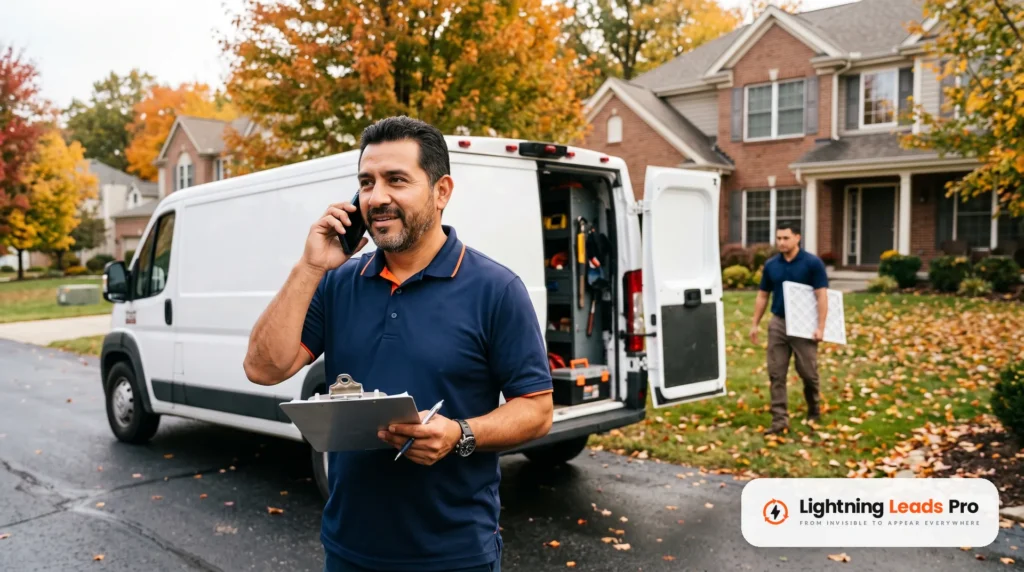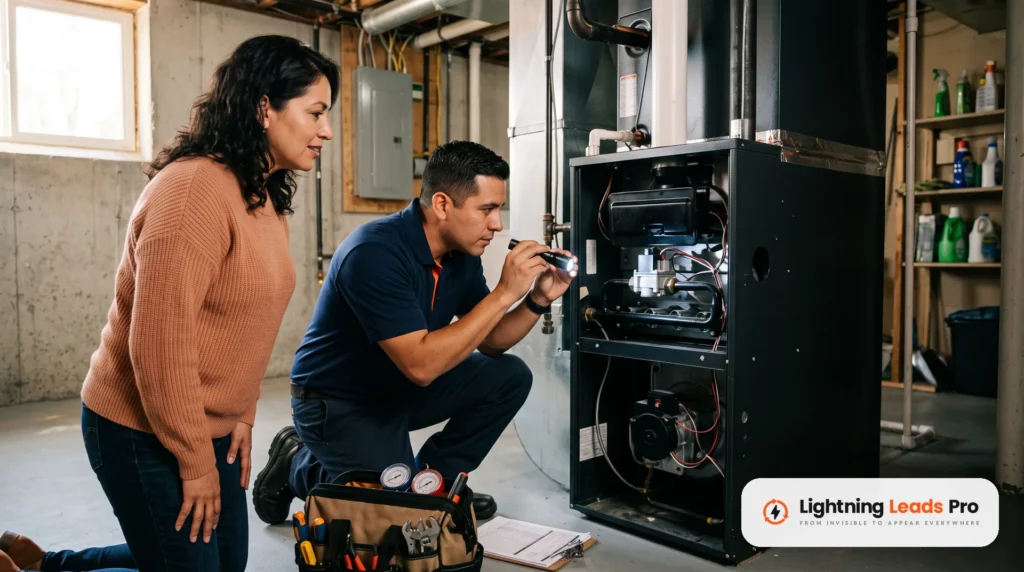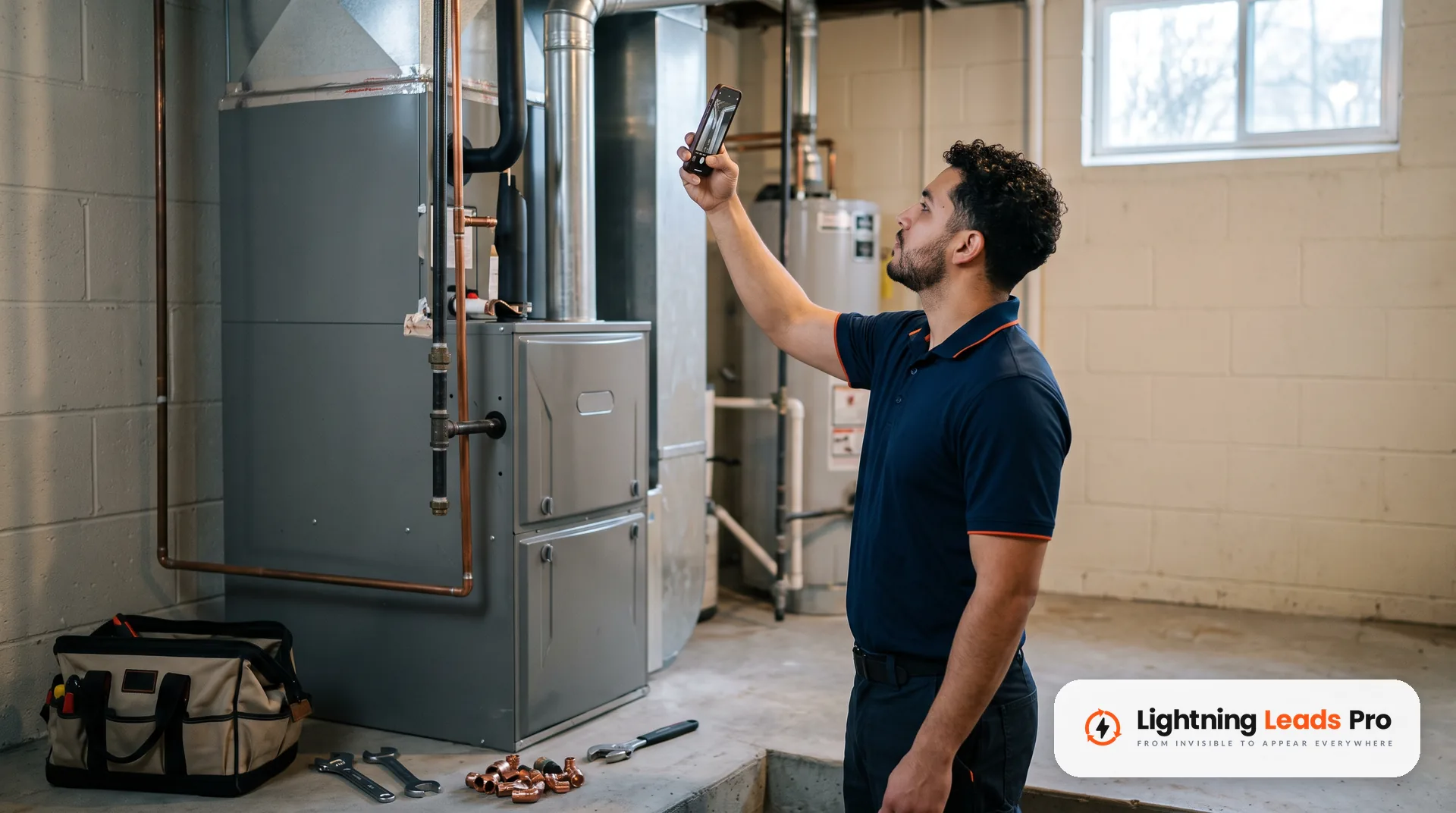
The best HVAC social media posts this winter come straight from your trucks. Show real heating jobs, real techs, real reviews and short safety tips. You do not need a designer or a big budget. You need a simple weekly rhythm and a phone in every tech’s pocket.
This guide gives you that rhythm. It covers what to post each week and post ideas tied to heating calls. You will also see how to share reviews the right way. Then reuse each post on your Google Business Profile, so one photo works three times.
Want the wider fall to-do list? Start with our heating season marketing ideas. This post stays on one job: what to post on social media and how to keep it going.
Why HVAC social media posts matter in heating season
Winter calls are often urgent. A homeowner with no heat wants a company that looks real, close and busy. Your Facebook and Instagram pages are places they may check before they call.
Good HVAC social media marketing does not replace your website or your Google profile. It backs them up. A page with recent furnace jobs, real faces and fresh reviews looks open for business. A page whose last post is from July does not.
Social posts also feed your other marketing. The same photos can go on your profile, in emails and in ads later. Good raw material saves you time all year.
A simple weekly rhythm for HVAC social media posts
Posting often stops when every post feels like a new decision. A fixed rhythm removes the guesswork. Here is one built for a busy heating season, with three posts a week.
- Monday: a real job. One furnace, heat pump or boiler job from last week. Add two or three photos and a few plain lines about the problem and the fix.
- Wednesday: a tip. One short heating tip a homeowner can use today. Keep it to one idea.
- Friday: people or proof. A tech spotlight, a team photo or a customer review shared with care.
Pick one day each week to load all three. Meta Business Suite lets you create and schedule posts for your Facebook Page and Instagram account in one place. Meta’s help page says you can customize the text for each one.
Keep the rhythm for eight weeks before you judge it. Then look at which posts brought comments, messages and calls. Do more of those and drop the rest.

HVAC social media post ideas from real heating jobs
Your best content is already happening every day. Ask techs to take a few photos on each job before they pack up. A wide shot, a close shot and a finished shot are enough.
- Before and after. A dirty burner next to the cleaned one. An old flue next to the new run. Let the photos do the talking.
- The first cold night. Show the van out after dark on a no-heat call. Say how the team handled it, with no customer details.
- Heat pump on a frosty morning. Post a short clip of the unit running. Add one line on what the customer asked.
- Install day. Old furnace out, new one in, crew cleaning up. Show the cleanup, not just the equipment.
- Tune-up visit. Walk through three things your tech checks on a heating tune-up. End with your booking link.
- Odd finds. A nest in a vent or a filter that has seen better days. Keep it friendly and never poke fun at a customer.
Write captions the way you talk on the job. Say what broke, what you did and what the customer can watch for. Skip the jargon, or explain it in a few words.
Seasonal tips homeowners can actually use
Tip posts help people, and helpful posts are the kind people save and share. Keep each one short and tied to winter. One clear idea per post is easier to read than a list of ten.
- How to find the furnace filter and check if it looks dirty.
- What to check before calling for no heat: thermostat mode, thermostat batteries and the breaker.
- Why vents and returns should stay clear of furniture, rugs and holiday boxes.
- Carbon monoxide safety. The U.S. Consumer Product Safety Commission advises CO alarms on every level of the home and outside sleeping areas.
- What a heating maintenance plan includes and when members get their visit.
- When to stop troubleshooting and call a pro.
Keep do-it-yourself tips to safe checks. Do not post tips that ask a homeowner to open panels or touch gas parts. Point anything beyond a simple check to a service call.
How to share reviews and customer photos the right way
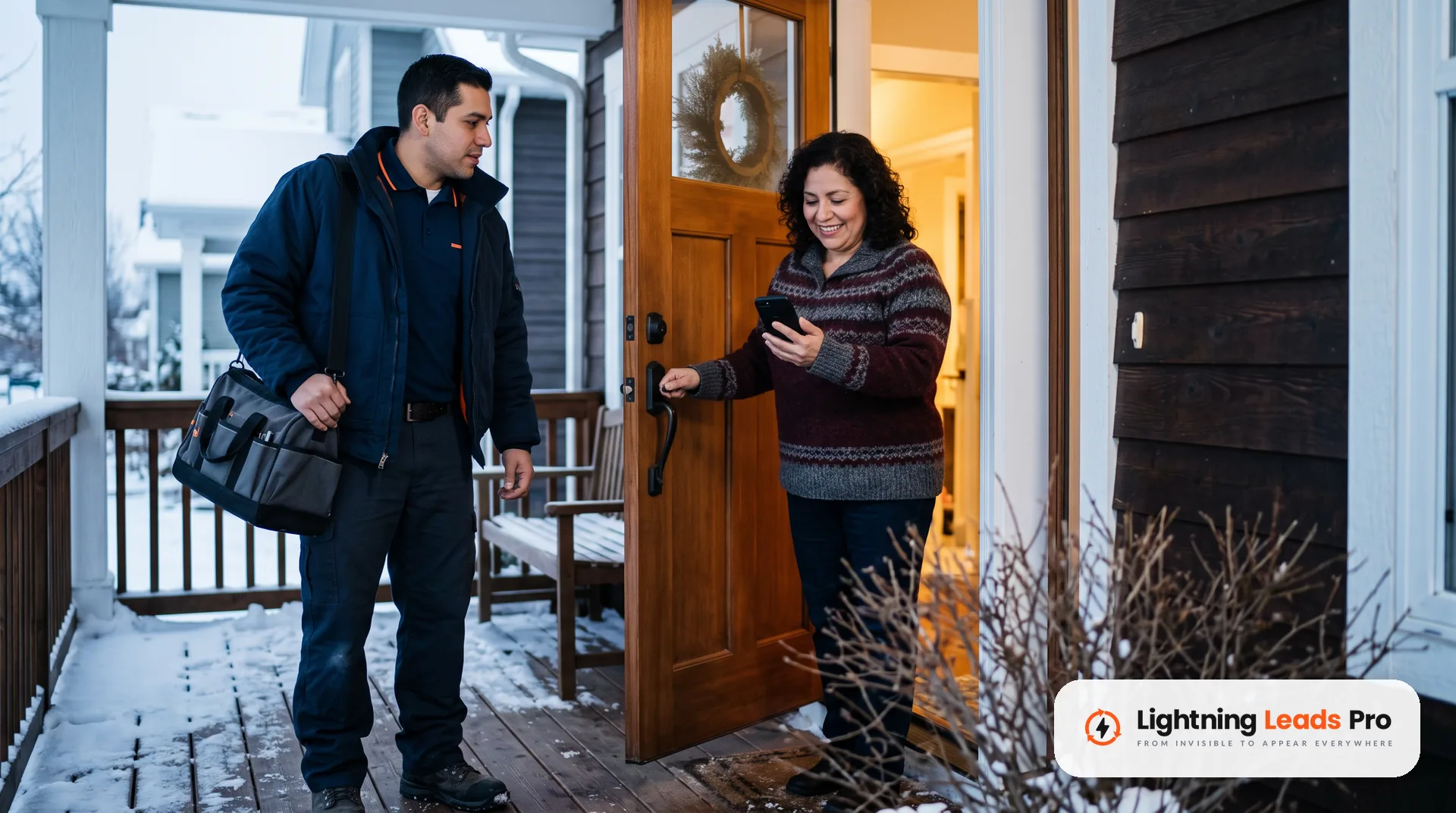
Reviews make strong Friday posts. Share a short quote, the first name if the customer agrees, and a photo from the job. Ask before you show a face, a home or a house number.
Ask every customer for a review the same way. Google’s policy bans offering incentives for reviews or asking only happy customers. So skip review contests and giveaways tied to reviews.
Never post made-up reviews, and never buy likes or followers. The FTC’s rule on consumer reviews and testimonials took effect on October 21, 2024. It covers fake reviews and fake signs of social media influence.
Reply to comments under your posts, too. A quick, polite answer shows the next reader that someone is paying attention. Happy commenters are also good people to ask for referrals, and our guide to an HVAC referral program shows how.
Falling behind on reviews and replies? Our reputation management service can take that work off your plate.
How to reuse the same post on your Google Business Profile
Your Google Business Profile has its own posts. You can reuse your Monday job post there with little extra work. Google lists three post types on its help page about posts: updates, offers and events.
- Use updates for jobs and tips. Add the photo, a short description and a booking button.
- Use offers only for a real offer. Google requires a title, dates and times for an offer post.
- Post often. Google archives posts older than six months unless a date range is set, so keep fresh ones coming.
- Leave the phone number out of the text. Google may reject a post with a phone number in it. That happens if it cannot verify the number belongs to you.
- Add the photos to the profile too. Google asks for JPG or PNG files between 10 KB and 5 MB. Photos should be in focus, well lit and free of heavy filters.
Rewrite the first line for Google. Someone reading your profile may be ready to call. Lead with the service and the job, then point to the button.
Is a fresh profile every week one task too many? Our Google Business Profile management service handles posts, photos and updates.

What to avoid in HVAC social media posts
- Stock photos. Real photos show your real team and your real work. A slightly messy real photo is better than a polished fake one.
- Selling in every post. A feed of nothing but coupons gives people little reason to follow. Keep most posts helpful and save offers for a real deal.
- Customer details. No full names, addresses, license plates or faces without a clear yes.
- Prices you cannot hold. Repair costs change job to job. Invite people to call or book a visit instead.
- Hot topics. Skip politics and arguments in the comments. Your page is for the work.
- Heavy edits. Google’s photo rules ask that images represent reality. Use the same standard on every channel.
- Going quiet in a cold snap. Busy weeks are when your page should show you are out working. A two-line post from the field is enough.
How to keep posting when the phones get busy
The rhythm usually breaks during the first hard freeze. Plan for it now, while the calendar still has room.
- Set up a shared photo album for techs. Ask the team for a few job photos each day.
- Write a month of tip posts in one sitting, then schedule them.
- Try the Active times option in Meta Business Suite. Meta says it suggests times based on when followers were most active over the past 7 days.
- Give one person in the office the job of loading posts each week. Block 30 minutes on the calendar for it.
Paid posts can come later. When a job post does well on its own, it may be worth running as an ad. Our HVAC Facebook ads guide walks through that step.
Frequently asked questions
What are some good social media posts for HVAC companies?
Real jobs, short tips and people. Show before and after photos from furnace and heat pump calls. Share one winter tip at a time. Spotlight your techs and share reviews with the customer’s okay.
What is a good caption for an HVAC service?
A good caption says what was wrong, what you did and what the reader should watch for. Keep it to three or four short lines and end with how to book.
Here is a sample to adapt: “No heat on a cold morning. Our tech found a dirty flame sensor, cleaned it and got the furnace running. Furnace starting and stopping? Book a visit before the next cold night.”
What is the best way to advertise my HVAC services?
There is no single best channel. Many owners combine a complete Google Business Profile, a clear website, steady reviews and some paid ads. Social posts support all of them by giving people proof that you are real and active.
How do I find clients for HVAC?
Start with the people who already know you. Past customers, referrals and reviews are the closest wins. Then make sure new people can find you on Google and see recent work on your social pages.
Start your winter posts this week
Pick one job, one tip and one review for this week. Post them on Facebook and Instagram, then reuse the job post on your Google Business Profile. That is a full week of posts from work you already did.
Want a second set of eyes on your profile, reviews and posts? Book a Free Local Lead Growth Session and we will walk through it with you.